LiveMarquee
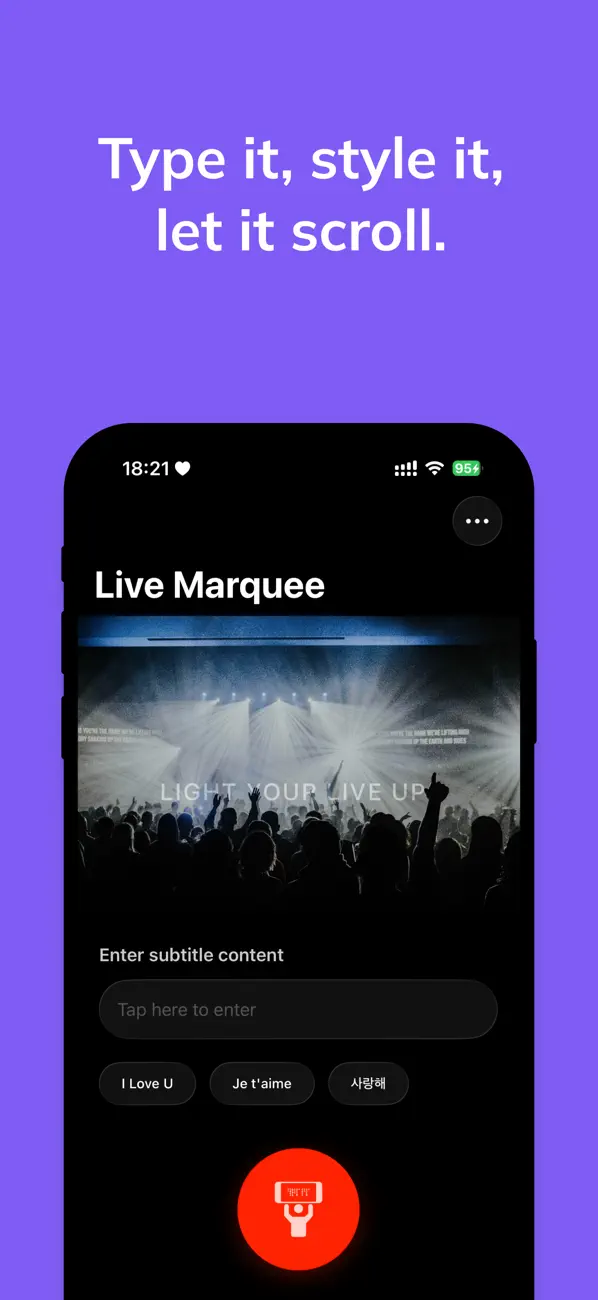
Create dynamic scrolling text displays for events, presentations, and digital signage. Customize fonts, colors, and animations with ease.
Download from App Store
See LiveMarquee in Action
Watch how easy it is to create stunning scrolling text displays for any occasion.
App Previews
Features
Easy Setup
Create scrolling text displays in seconds with our intuitive interface and preset templates.
Customization
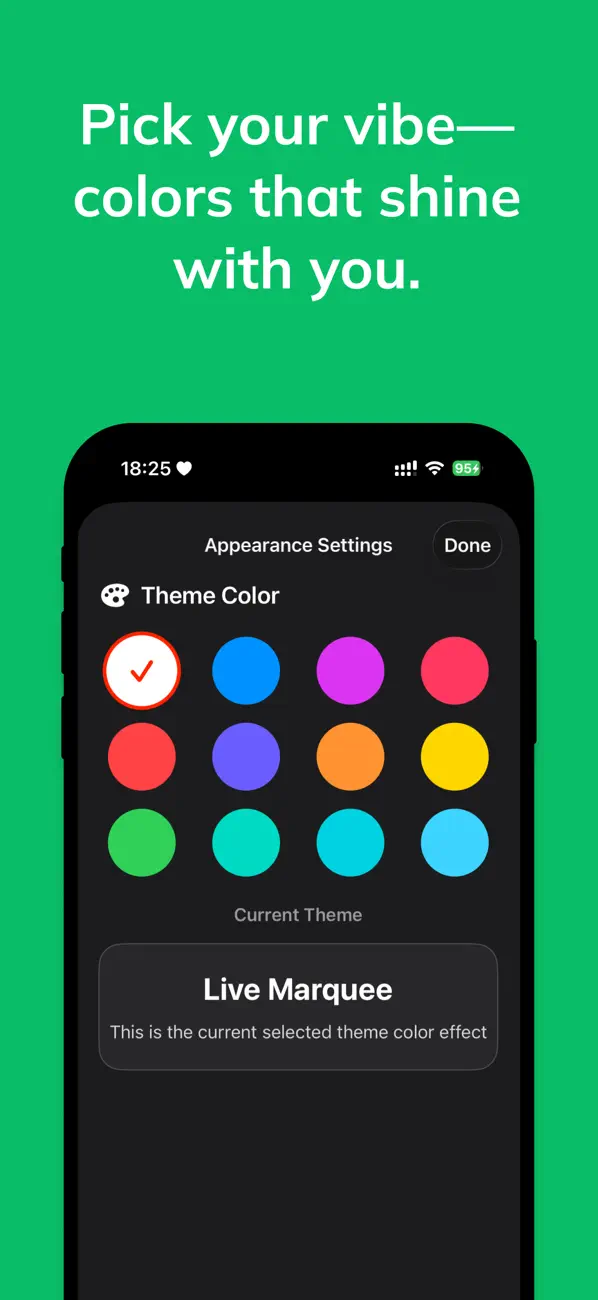
Choose from various fonts, colors, speeds, and animation effects to match your style.
Full Screen
Display your marquee in full screen mode for presentations, events, and digital signage.
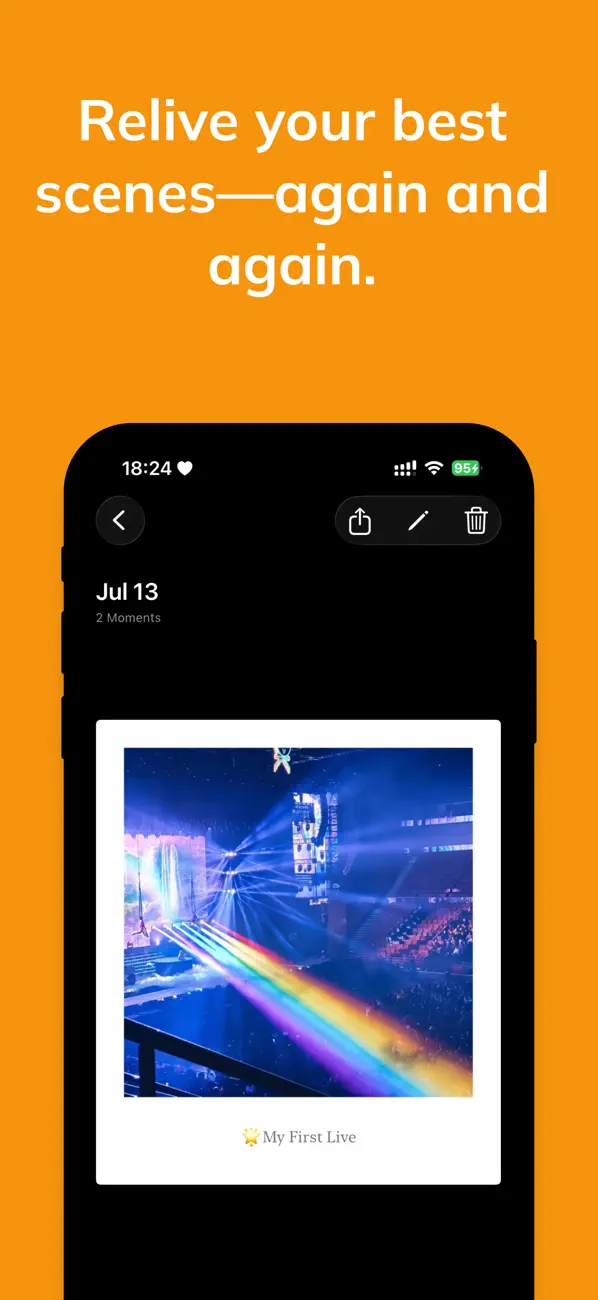
Moments Capture
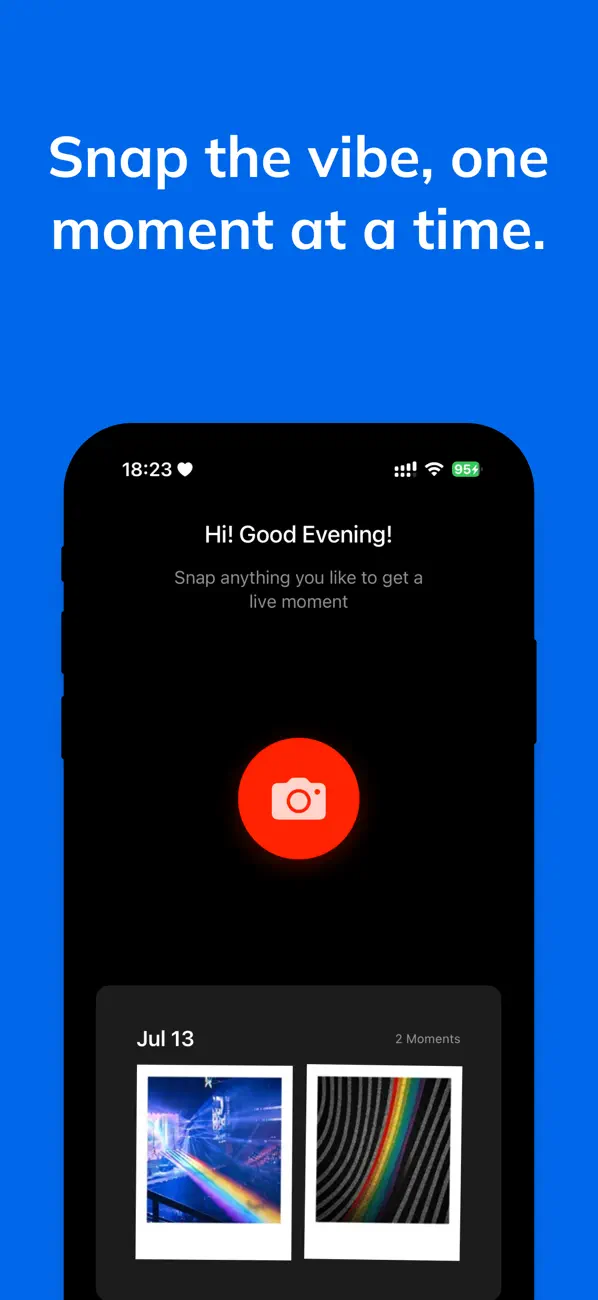
Built-in camera and photo management features to capture and organize your special moments.
Premium Themes
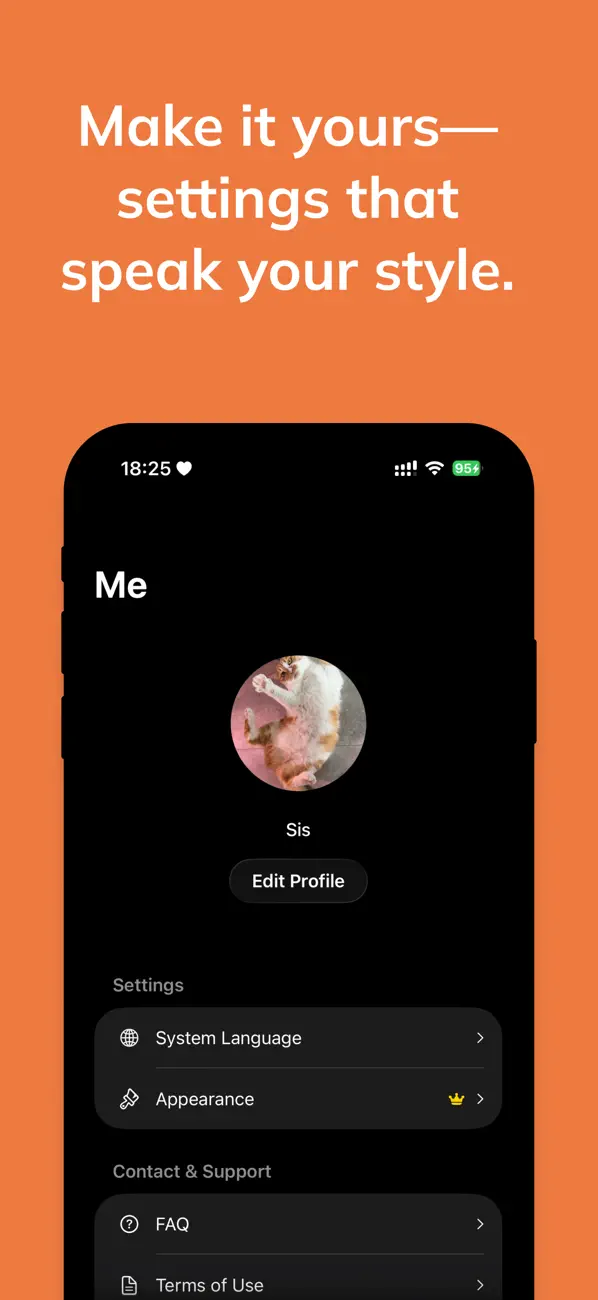
Access advanced customization options and premium color themes with our premium version.
Multi-Language
Support for multiple languages to serve users worldwide with localized experiences.
How to Use LiveMarquee
Create Your Text
Open the app, go to the "Live" tab, and enter your scrolling text content.
Customize Appearance
Adjust font size, scroll speed, colors, and themes to match your preferences.
Start Display
Tap the play button to start your scrolling text display in full screen mode.
Capture Moments
Use the built-in camera feature to capture and organize photos in the "Moments" tab.
Frequently Asked Questions
📱 Basic Usage
Q: How do I create scrolling text?
A: Open the app, go to the "Live" tab, enter your text, adjust font size and scroll speed, then tap the play button to start displaying.
Q: Why isn't my text scrolling?
A: Please check that you've entered text content and try restarting the app if needed.
Q: How do I change text color and background?
A: In the "Live" page, tap the settings button in the top right corner, then select "Color Settings" to customize.
📸 Moments Features
Q: Where are photos saved?
A: Photos are saved in the "Moments" tab within the app, automatically grouped by date.
Q: How do I export photos?
A: In "Moments", select a photo and tap the share button to save to camera roll or share with friends.
💎 Premium Features
Q: What does the premium version include?
A: Premium version includes more theme color options, advanced appearance customization, and premium user support.
Q: How do I restore purchases?
A: In the "Me" tab, tap "Restore Purchase" and sign in with the Apple ID used for the original purchase.
🛠 Technical Support
Q: The app crashes, what should I do?
A: Try restarting the app first. If the problem persists, please contact us through the "Feedback" option in the app.
Q: Which iOS versions are supported?
A: LiveMarquee supports iOS 16.0 and later versions.
Technical Specifications
System Requirements
- iOS 16.0 or later
- Compatible with iPhone and iPad
- Requires camera access for photo features
- Sufficient storage space for photo management
Features
- Dynamic scrolling text display
- Built-in camera and photo management
- Customizable themes and colors
- Full screen display mode
- Multi-language support
- Premium subscription options
Privacy & Security
- All photos stored locally on device
- No personal identification information collected
- Camera permission used only for photo capture
- No cloud sync or data transmission
Support
- Email: support@elevenapril.com
- In-app feedback system
- Comprehensive FAQ section
- Regular updates and improvements
Explore More
Track your life goals and bucket list with progress visualization.

The simple ADHD-friendly to-do list. Focus on just 3 tasks a day.

Turn your meals into shop-ready lists with AI-powered recipe parsing.
Track your daily sunlight exposure for better sleep and mood.